Early Black Friday Sale

35% off a year

12 months for the price of 8

Ends November 30.

Start with me
★ 5 stars on Trustpilot● Workouts from 5 to 35 minutes● Seated, standing, and bed options

What's included

When you join, you get:

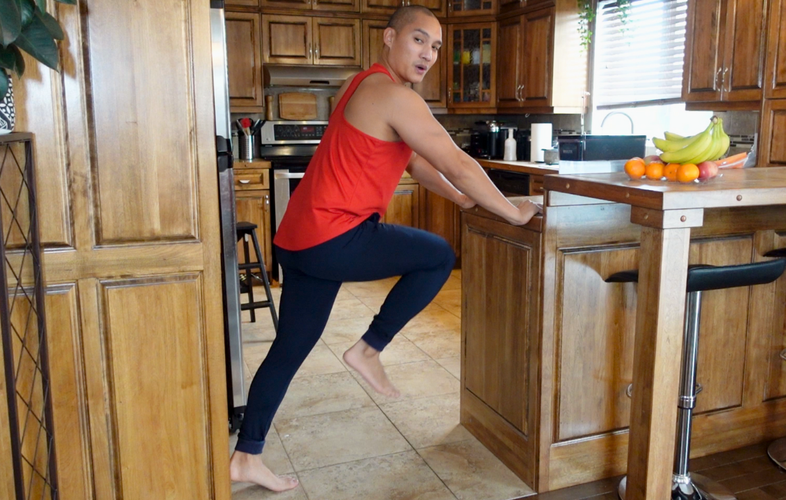
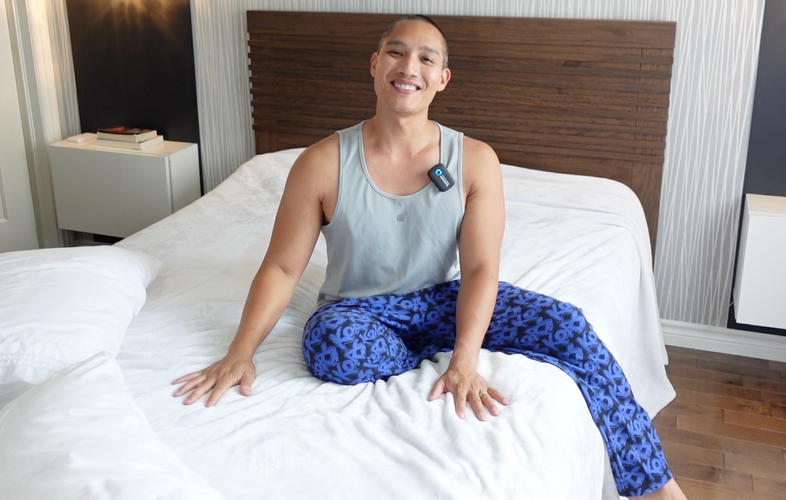
  • Hundreds of beginner-friendly workouts, with seated, standing, and bed options
  • A new challenge every month, plus a calendar so you always know what to press play on
  • The Justin Agustin Fitness app, so you can watch on your phone, tablet, or TV
  • A nutrition guide and easy cooking videos
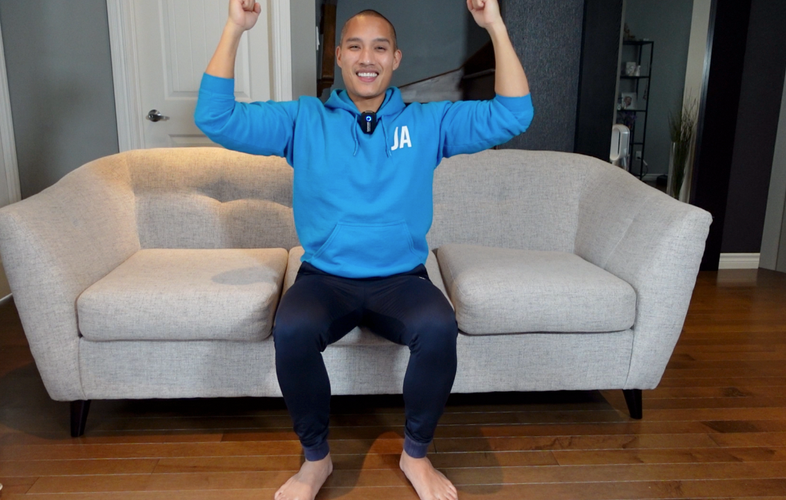
Justin coaching a seated workout

How to start

  1. Click Start with me. The 35% off is already applied at checkout.
  2. Watch Simple Start, my program for total beginners.
  3. Do what you can. I'll guide you through each movement, and you can go at a comfortable pace.

What members are saying

“DONE, I've had a membership with you for a year now, and this will be my first challenge. I'm 77 and want to stay upright and functional as long as possible as I have never been much of an exerciser. Your program has given me a new way to think about motion. Thank you!”

Jeanne R.
Member

“The kindness, the humor, the professionalism, the respect that I see in Justin Agustin are the main elements that made me decide to join for a year. I'm only at the very beginning, but I'm already surprised to see that I'm looking forward to training. I don't think I've felt that way in the past.”

Aline Gravel
Trustpilot

“I really enjoy the short sessions and positive attitude. I am amazed at how much I feel like I can keep going. I also feel my muscles responding and that encourages me even more.”
Debbie Golding
Trustpilot
From the workout library
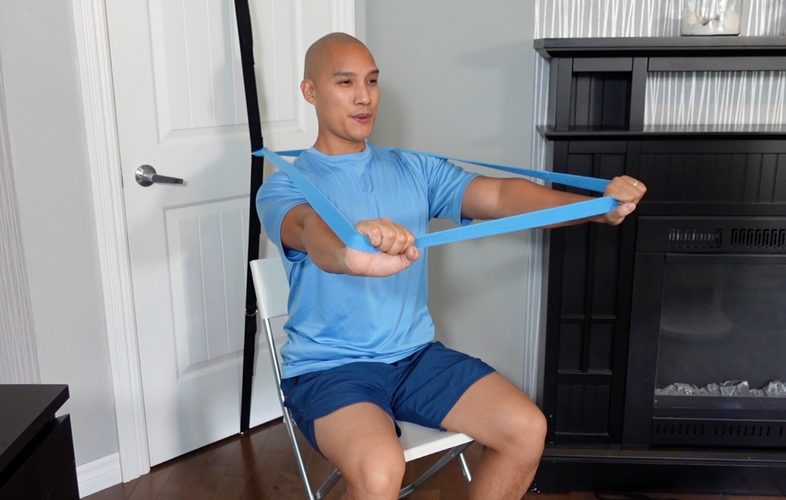
Chair Aerobics Modified Workouts Bed Alternatives Beginner vs Experienced No Floor Workouts Resistance Bands

Start with me before the sale ends

Your first year is 35% off, so you get 12 months for the price of 8. The sale ends Monday, November 30 at 11:59 PM ET.

I'd love to be your virtual coach.

Start with me

Common questions

What is the Early Black Friday offer?

Your first year of the One Year membership is 35% off, which comes out to 12 months for the price of 8. The discount is already applied when you use the button on this page. The sale ends Monday, November 30, 2026 at 11:59 PM ET.

What does the membership include?

Membership grants you unlimited access to a comprehensive catalog of beginner-friendly fitness videos, along with exclusive monthly challenges. You also get the Justin Agustin Fitness app, a digital calendar, a nutrition guide, and a library of cooking videos.

How long are the workouts?

Routines range from 5 to 35 minutes, with the average being around 10 minutes, depending on the day's workout plan.

How can I watch the videos?

You can stream videos in the Justin Agustin Fitness app on Apple TV, Android TV, Roku, and Fire TV, as well as on a phone or tablet. You can also watch in your computer browser, or mirror from the website with Chromecast or AirPlay.

What happens after the first year?

The 35% off applies to your first year. After that, your membership continues at the regular yearly rate unless you cancel before it renews.

What currency will I be charged in?

If you reside in one of the following regions, you'll be charged in your local currency: United States, USD; Canada, CAD; Europe, EUR; United Kingdom, GBP; Australia, AUD; New Zealand, NZD. For all other international customers, purchases will be charged in USD. Prices in local currencies are based on the current exchange rate and may fluctuate slightly. Your currency is automatically selected based on your location at checkout.

How do I cancel?

You can cancel your membership anytime before your next payment is due. Simply follow the prompts on the Billing page to complete the cancellation process, and your membership will not renew. Please note that refunds are not provided for partially unused membership periods.

Are the routines on this platform safe for me?

The routines featured on this platform are designed to be lower impact and more accessible than traditional workout programs. However, all physical activity carries some level of risk. It's important to consult with your doctor or healthcare provider to determine if these exercises are suitable for your personal health needs before beginning.

Justin Agustin

About Justin Agustin

Justin Agustin is a Specialist in Exercise Therapy and Fitness Instructor who designs inclusive workout programs for beginners, individuals with limited mobility, seniors, and those managing obesity. He is dedicated to helping people of all abilities start their fitness journeys.

Justin’s expertise has been recognized by leading brands such as Nike, Men's Health, Buzzfeed, TED, Popsugar, AskMen, and Glam. His work has also been highlighted on prominent television shows including, The Drew Barrymore Show, CityTV, CTV, and Global Television.

With a combined following of over 5 million across various social platforms, Justin's innovative courses are quickly becoming the new standard for inclusive and accessible fitness.

Justin Agustin
Specialist in Exercise Therapy

Frequently Asked Questions

We are here to guide you through every step. You can find answers to frequently asked questions or view our Help Center. You can always contact us if you have any questions!
How do I access my account?
To access your account, click Sign In at the top right of the page and enter your email address. You can request a sign-in link be sent to your email address to sign in without the need for your password or you can enter your password without requesting a sign-in link.
How do I reset my password?
On the Sign In page, click Sign in with password and then click on set new password, enter the email associated with your account, and click Send Instructions. The instruction email will arrive in your inbox shortly. In the email, click Reset Password, and you will be directed to select a new password before being redirected to the catalog page. If you have trouble remembering your password, you can also use our Passwordless Sign-In option by requesting a Sign-In Link on the login page.
How do I access the catalog?
Once you sign into your account, navigate the Catalog section (or equivalent section name) in the top menu to access all of our videos.
Can I download videos to save them to my device?
Our content is available for streaming only and cannot be downloaded directly to your device. However, you can access it anytime by signing into your account. If you're using our mobile app, you can save videos for offline playback, allowing you to watch your chosen videos later without an internet connection.
Why am I experiencing buffering or playback issues?
Buffering or playback issues are often related to your internet connection. We recommend a minimum speed of 25 Mbps for smooth streaming. You can also try refreshing the page, using a different browser, or clearing your cache.
Can I create multiple accounts with the same email address?
No, each email address can only be associated with one account. If you believe you already have an account and can’t remember the login details, please use the Forgot Password link.
How do I pause or cancel my recurring subscription?
To manage your subscription, log into your account and click on your Profile in the top right corner. From there, select Purchases. You can choose to either pause or cancel your membership by clicking End Membership.
How do I change my membership plan or update my billing information?
To change your membership plan or update your billing information, sign into your account and click Profile at the top right. Then, select Purchases. To change your membership plan, click on Manage Plan under the Membership section and follow the prompts to switch to a different option. To update your billing information, click on Change Payment Method under the Payment Method section and enter your new billing details.
Why is my credit card being declined?
Many credit/debit cards have online purchase restrictions. If your card is being declined, please contact your credit card company to let them know the purchase you would like to make is valid. Also, certain credit/debit cards do not allow for recurring subscription billing, and therefore, may be denied.
How do I purchase a gift subscription?
To purchase a gift subscription, scroll to the bottom of any page on the website and click “Buy a Gift Card” in the footer. You’ll need to log into your account or create one if you don’t already have one. Then, select the subscription or bundle you’d like to gift, choose the duration of the gift, and complete your purchase by entering your payment details. After purchasing, you’ll receive a confirmation page and a confirmation email with the gift code, and a shareable link that you can send to your recipient.
How do I redeem a gift subscription?
To redeem a gift subscription, use the link shared with you by the gift sender. Clicking the link will automatically apply the gift to your account. If you don’t already have an account, you’ll be prompted to create one.
What is the Refund Policy?

We are committed to ensuring your satisfaction with our services. If you are not completely satisfied, you can request a full refund within 30 days of your purchase. To be eligible for a refund, please note the following:

  1. Refund requests must be made within 30 days of the transaction date.
  2. The request should include your order number and reason for the refund.
  3. Refunds will be processed to the original payment method used at the time of purchase.
  4. Refunds may take up to 5-10 business days to appear in your account, depending on your bank or credit card issuer.
  5. Services or products already used or accessed may not be eligible for a full refund.
Check out our Help Center
Our help center is a valuable resource for finding answers to a variety of questions. Whether you're troubleshooting a technical issue, or seeking guidance on how to navigate our website, our informative articles have got you covered.
View Help Center

Still need help?

Our team is ready to assist you!


For support please contact: email@brand.com.